
Probably Stolen Demo Download: Contents, Specs and Save Transfer
The demo is free on Steam, app 4349200, separate from the full game. Install steps, official contents, minimum specs and playtest save transfer.

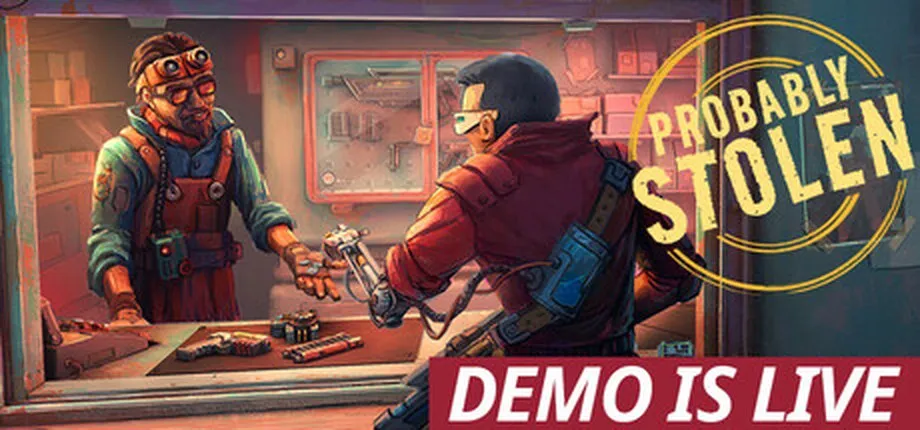
The demo is on Steam, it is free, and its app ID is 4349200.
This is where people get stuck: it is a separate entry from the full game (app 4348910). A playtest build sitting in your library does not turn into the demo. You install the demo from its own page.
Install in three steps
- Open the Probably Stolen Demo store page on Steam.
- Click install and let it download.
- Launch, pick a starting scenario (hardcore mode included) and follow the mentor through day one.
What is in the demo
Per the developer’s own list on the demo page:
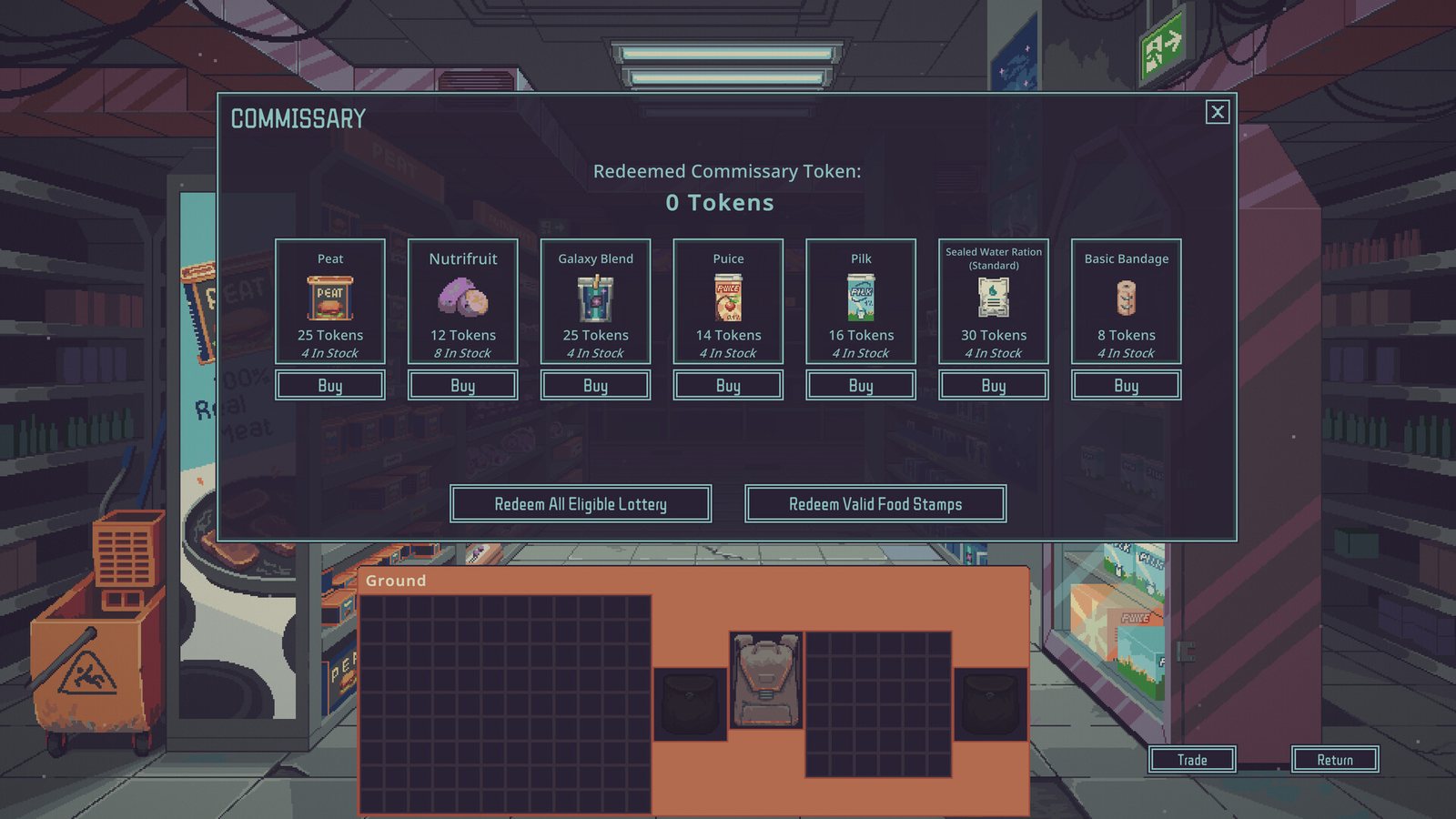
- Three starting scenarios plus hardcore mode
- The Water Merchant start includes water testing and purification kit
- One new machine and one matching item
- The Toolbox: stores tools and equips them on keys 1-9. Passive tool effects still apply while stored
- The Bottle Printer can be upgraded with electronic parts
- The Vacuum Robot can be upgraded with a common electronic to unlock built-in incineration
The demo also inherits the playtest’s quality-of-life work: multi-item selection, right-click sorting, Shift-drag precision placement, mouse-wheel rotation and flipping while dragging, non-16:9 fullscreen support, and CN / DE / JP / RU localisation fixes.
System requirements
| Item | Minimum | Recommended |
|---|---|---|
| OS | Windows 10, 64-bit | Left blank by the developer |
| Processor | Intel Core i3 or equivalent | Left blank |
| Memory | 8 GB RAM | Left blank |
| Graphics | GTX 650ti or better | Left blank |
| DirectX | Version 10 | Left blank |
| Storage | 1 GB available space | — |
The store notes it is a pixel-art game with a native 16:9 aspect ratio. It runs on 21:9 and 32:9 monitors but in windowed mode.
Steam Deck compatibility is rated Playable.
Bringing a save across
The developer’s August 28 announcement says saves carry from the playtest to the demo. The September 14 patch added a Discover button to the load screen that sees and loads saves placed in the folder manually.
There is no step-by-step screenshot guide. If your original progress loads normally, the transfer worked.
Common problems
The store page shows a countdown or “not yet available”. That is the full game’s page. The demo is a different app; search for Probably Stolen Demo directly.
I only have the playtest in my library. The playtest build closed on September 14. Install the demo from its own store page.
The UI is misaligned on a non-16:9 monitor. The patch fixed the large majority of these. If it still happens, try windowed mode and check whether an old save is carrying UI state forward.
Framerate drops when minimised. The September 14 patch caps minimised framerate at 10 FPS and adds a setting to disable that.
Read next
Related Articles
release
Probably Stolen Playtest Recap: 180,000 Players, Now Closed
The open playtest ran from early August to September 14, 2026, with 180,000 unique players and 45,000 past 20 hours. It closed the day the demo launched.
release
Probably Stolen Release Date: October 28, 2026
Probably Stolen is planned for October 28, 2026 on Steam for Windows. A free demo went live on September 14 and the open playtest ended that day.